Lite IMS | Production-Ready Inventory Management System
Note
This project is a portfolio showcase demonstrating enterprise-grade full-stack development with real business logic beyond typical CRUD demos.
Project Overview
Introduction
Lite IMS is a production-ready, enterprise-grade Inventory Management System built with the PERN stack (PostgreSQL, Express, React, Node.js). It provides comprehensive inventory tracking, role-based access control, and real-time stock management capabilities designed for real business operations.
This project was built to demonstrate full-stack proficiency with modern TypeScript, production-ready patterns, and outcome-driven development with proper documentation.
✨ Key Features
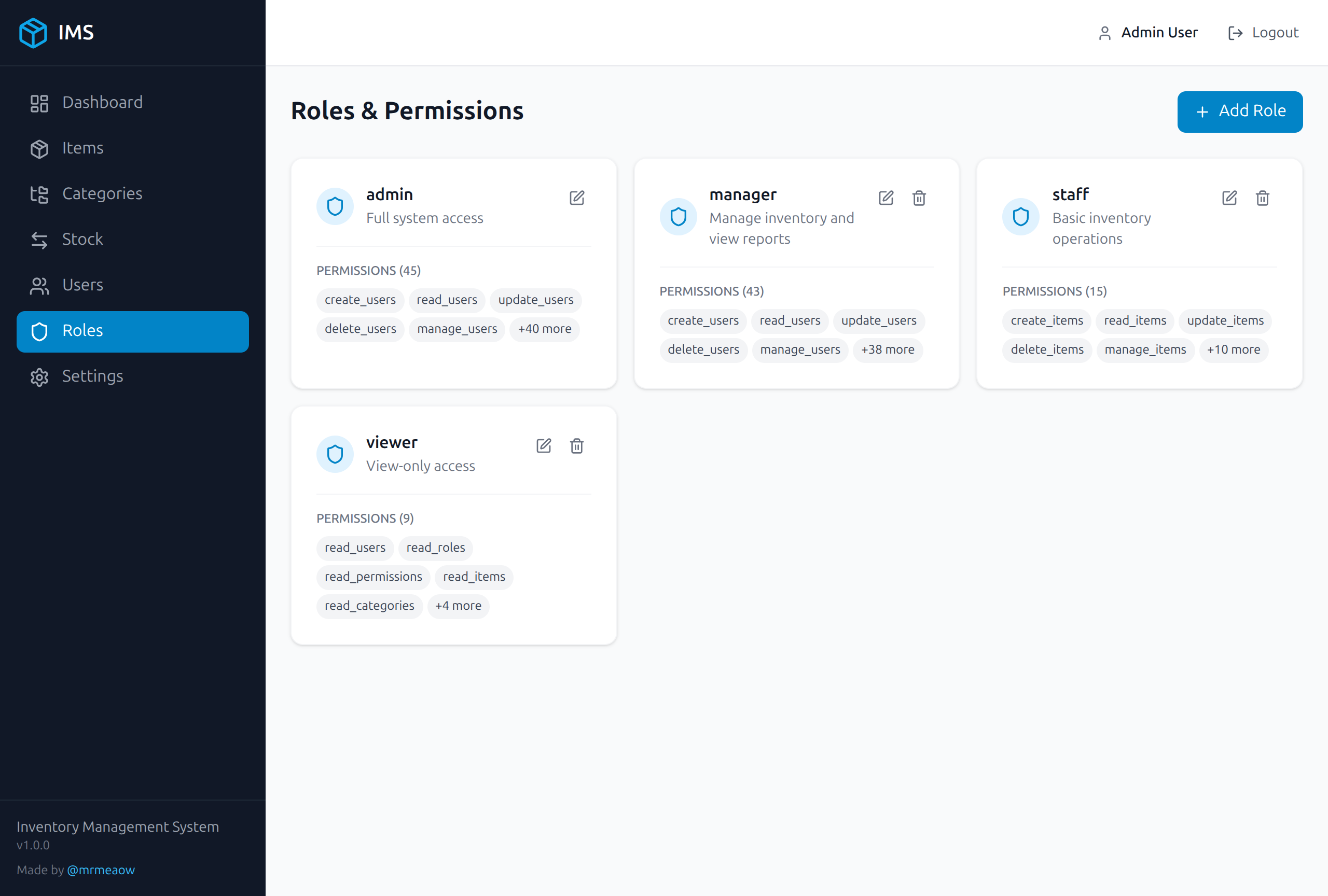
Advanced RBAC System
Dynamic role & permission management with granular resource-level access control. The system implements:
- Dynamic Roles - Create and manage custom roles with specific permissions
- Resource-Level Access - Fine-grained control over create, read, update, delete operations
- Real-time Enforcement - Middleware-based permission validation on every request
Inventory Management
Comprehensive stock tracking with full audit trail:
- Item Management - Track items with categories, SKUs, and metadata
- Stock Movements - Record all stock in/out movements with timestamps
- Audit Trail - Complete history of all inventory changes
- Category Management - Organize items with hierarchical categories
Custom Authentication
JWT-based authentication with enterprise security patterns:
- HTTP-Only Cookies - Secure session management
- Refresh Tokens - Automatic token rotation for extended sessions
- Session Management - User activation/deactivation with immediate effect
Real-Time Updates
Server-Sent Events (SSE) for live data synchronization:
- Live Stock Updates - Real-time inventory level changes
- System Notifications - Instant alerts for important events
- Multi-User Sync - Collaborative workspace support
🛠️ Tech Stack
Lite IMS is built using a modern, type-safe tech stack:
Frontend
- React 19 - Modern SPA with hooks and functional components
- Vite - Fast HMR and optimized production builds
- TypeScript - End-to-end type safety with strict mode
- TailwindCSS v4 - Utility-first styling
- Zustand - Lightweight state management
Backend
- Express.js 5 - RESTful API server
- Node.js v22+ - Modern runtime with async/await patterns
- TypeScript - Type-safe backend development
- Zod - Runtime type validation and schema parsing
- JWT + bcryptjs - Secure authentication
Database & Cache
- PostgreSQL 15 - Primary relational data store
- Prisma 6 - Type-safe ORM with auto-generated types
- Redis 7 - Session storage and caching layer
DevOps & Testing
- Docker & Docker Compose - Containerized development and deployment
- Vitest - Fast unit testing with Vite integration
- Supertest - API integration and E2E testing
- pnpm - Efficient package management for monorepo
🏗️ Architecture
Monorepo Structure
lite-ims/
├── apps/
│   ├── api/           # Express.js API server (Port 3030)
│   └── web/           # React frontend (Vite)
├── packages/
│   ├── shared/        # Shared schemas & constants
│   ├── types/         # TypeScript definitions
│   └── database/      # Prisma client & migrations
├── docker/            # Docker configurations
└── docker-compose.yml # Local development stack
System Architecture
flowchart TB
    subgraph LiteIMS["Lite IMS System"]
        direction TB

        subgraph Frontend["Frontend"]
            WebApp["Web App<br/>React 19 + Vite<br/>TailwindCSS"]
        end

        subgraph Backend["Backend"]
            APIServer["API Server<br/>Express.js 5<br/>TypeScript"]
        end

        subgraph Data["Data Layer"]
            PostgreSQL[("PostgreSQL<br/>Prisma ORM")]
            Redis[("Redis<br/>Cache/Sessions")]
        end
    end

    Frontend <-->|HTTP Port 3030| Backend
    Backend --> PostgreSQL
    Backend --> Redis

    style LiteIMS fill:#dbeafe,stroke:#333,stroke-width:2px
    style Frontend fill:#f0fdf4,stroke:#333,stroke-width:1px
    style Backend fill:#fef3c7,stroke:#333,stroke-width:1px
    style Data fill:#fae8ff,stroke:#333,stroke-width:1px
🚀 Deployment
Lite IMS is optimized for free-tier deployment:
| Service | Provider | Purpose |
|---|---|---|
| Application | Render.com | API & Web hosting |
| Database | Neon | Serverless PostgreSQL |
| Cache | Upstash | Serverless Redis |
Live Demo
- Demo URL: https://lite-ims.onrender.com
- Source Code: https://github.com/mrmeaow/lite-ims
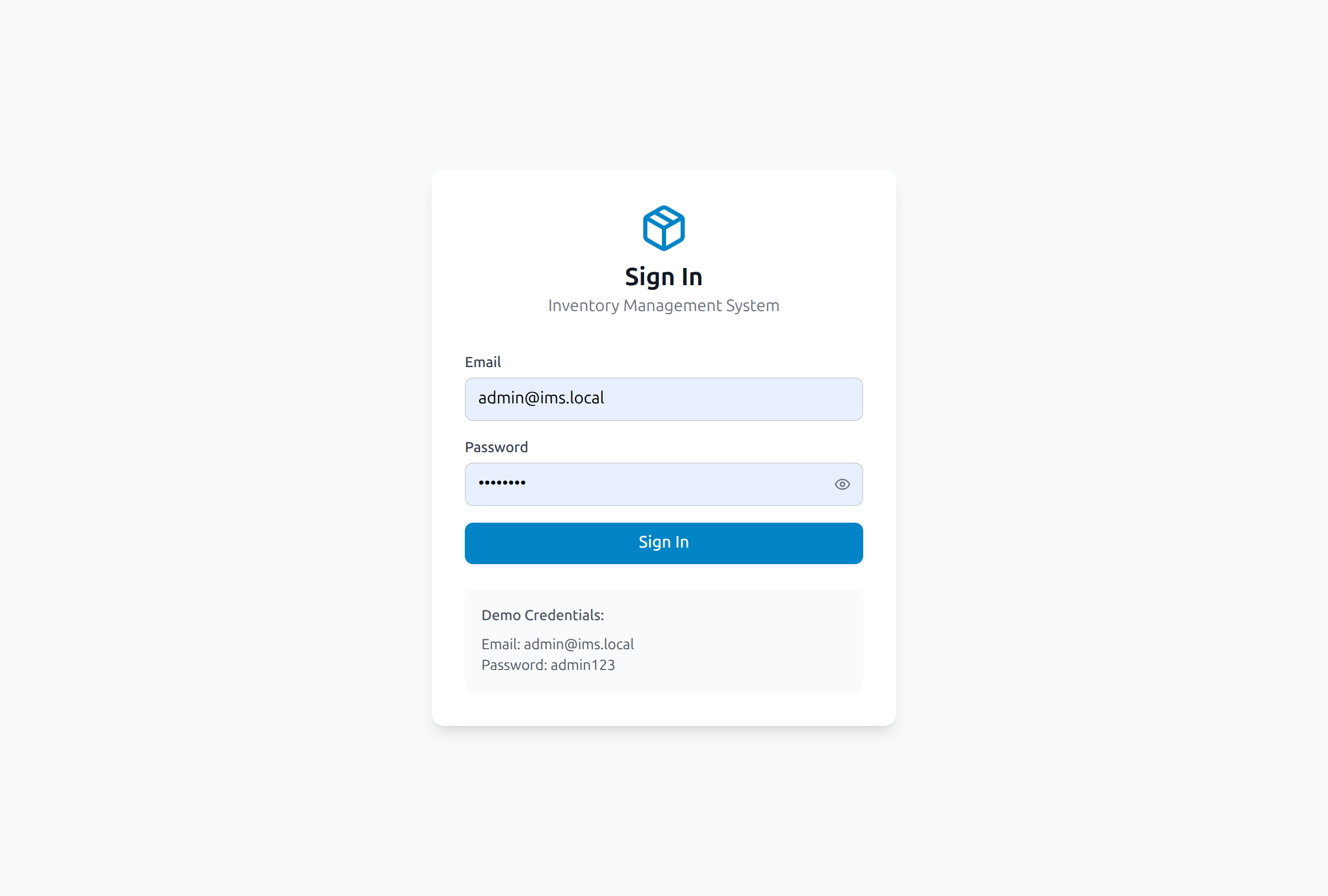
Default Demo Credentials
| Password | Role | |
|---|---|---|
| admin@ims.local | admin123 | Administrator |
Warning
Change default credentials in production environments!
🎯 What Makes This Project Unique
-
Portfolio-Driven Design - Built specifically to demonstrate enterprise-grade full-stack skills beyond typical tutorial projects
-
Sophisticated RBAC - Features dynamic roles, granular permissions (resource + action matrix), and real-time enforcement middleware
-
Production-Grade Patterns - Implements HTTP-only cookies, refresh tokens, SSE for real-time updates, and comprehensive audit trails
-
End-to-End TypeScript - Complete type safety from database to frontend with shared packages and Prisma ORM
-
Free-Tier Optimized - Specifically configured for deployment on Render.com, Neon (PostgreSQL), and Upstash (Redis) free tiers
-
Complete Documentation - Includes deployment guides, Docker setup, monitoring, and troubleshooting documentation
-
Real Business Logic - Goes beyond CRUD with stock movements, category management, user activation/deactivation, and system settings
📝 Documentation
The project includes comprehensive documentation:
- README.md - Project overview and quick start guide
- RENDER.md - Step-by-step deployment instructions
- DOCKER_SETUP.md - Local development with Docker
- MONITORING.md - Application monitoring and logging
- TROUBLESHOOTING.md - Common issues and solutions
🤝 Author & Contact
- Author: @mrmeaow - Full-Stack Developer | TypeScript Enthusiast
- Email: iam.mahabub@proton.me
- Other Projects: Cloud ERP (Multi-tenant, WIP)
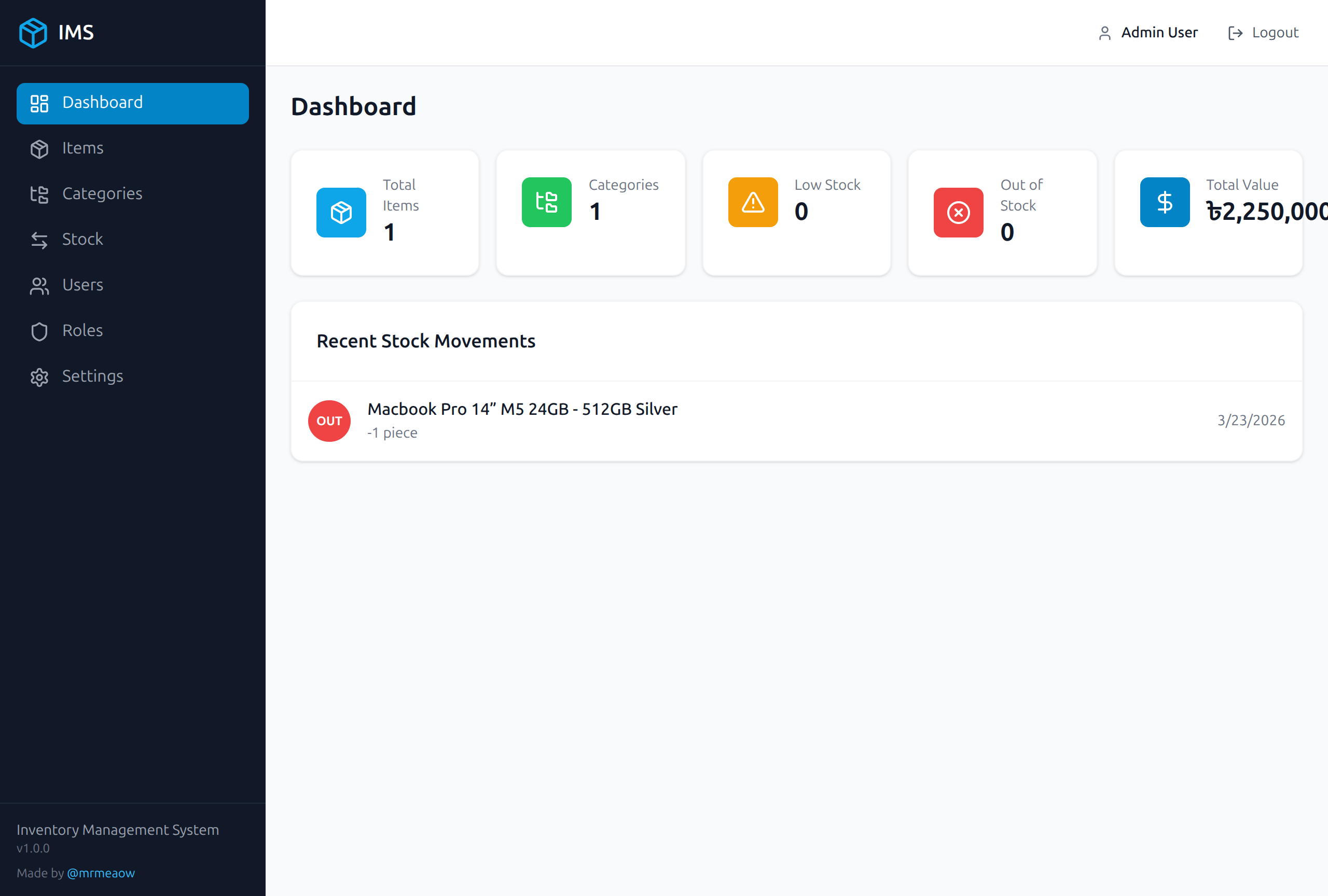
📸 Screenshots
Dashboard
Login Page
Role-Based Access Control
🔧 Local Development
# Clone the repository
git clone https://github.com/mrmeaow/lite-ims.git
cd lite-ims

# Install dependencies
pnpm install

# Start development stack with Docker
docker-compose up -d

# Run the application
pnpm dev
📄 License
MIT License - See LICENSE for details.